
Field service software for your trade
Business Genie is field service management software for contractors, built around route optimization — schedule and route your crews, then invoice and get paid, on the web and in the iOS and Android app. It runs the same way in every trade; what changes is where the work is and how it arrives. Find your trade on the street, or in the lists below.
Plumbing, HVAC, electrical and the work inside the house
Most work inside a house starts as a call: a leak, a dead breaker, a fridge that stopped. It goes on the schedule, a tech is dispatched, and route optimization re-routes the rest of that tech’s day around it, keeping the time windows already promised. Bigger jobs, like a remodel or a panel upgrade, go out as an estimate with a deposit.
Burst pipe repairs · Water heater replacement · Drain cleaning
Plumbing Scheduling softwarePlumbing Dispatch softwarePlumbing Estimates softwarePlumbing Invoicing softwarePlumbing CRM softwarePlumbing Small business softwareBest plumbing software
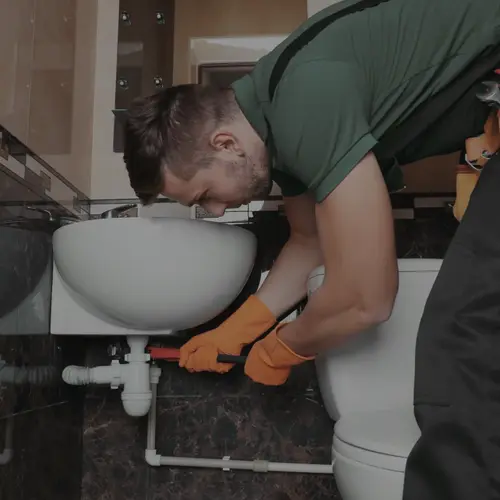
AC repairs and replacements · Furnace installations · Spring AC tune-ups
HVAC Scheduling softwareHVAC Dispatch softwareHVAC Estimates softwareHVAC Invoicing softwareHVAC CRM softwareBest HVAC software
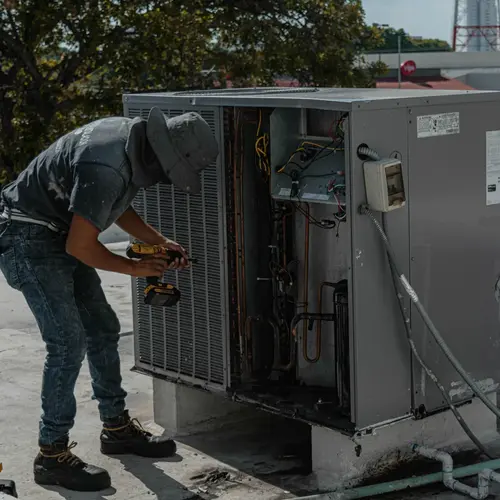
Panel upgrades and replacement · Electrical troubleshooting · EV charger installation
Electrical Scheduling softwareElectrical Dispatch softwareElectrical Estimates softwareElectrical Invoicing softwareElectrical CRM softwareElectrical Job management software
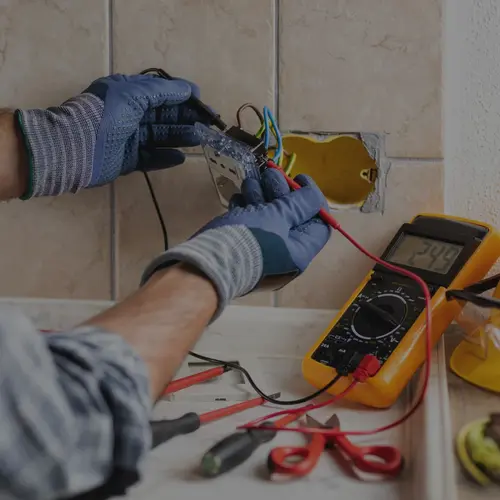
Refrigerators · Washers and dryers · Ovens and ranges
Kitchen remodels · Bathroom renovations · Basement finishing
Custom cabinetry · Finish carpentry · Built-ins and shelving
Water damage · Fire and smoke damage · Mold remediation
Residential carpet cleaning · Upholstery cleaning · Tile and grout cleaning
Home repairs · Door and window repairs · Fixture installation
Handyman Scheduling softwareHandyman Estimates softwareHandyman Invoicing software

Hardwood installation · Tile and stone · Luxury vinyl plank
House cleaning · Move-in and move-out cleans · Vacation rental turnovers
Cleaning Scheduling softwareCleaning Invoicing softwareCleaning CRM software

Roofing, painting and the outside of the house
Work on the outside of a house is some of both. Window cleaning, pressure washing and pest control are days of short stops, put in the order that drives least. A new roof or an exterior repaint is quoted first, with a deposit taken when the customer accepts, and job costing shows what it cost to do once it is done.
Roof replacements · Leak repairs · Gutter installation and repair
Roofing Scheduling softwareRoofing Dispatch softwareRoofing Estimates softwareRoofing Invoicing softwareRoofing CRM software

Exterior painting and staining · Interior painting · Cabinet refinishing
Painting Scheduling softwarePainting Estimates softwarePainting Invoicing software

Residential window cleaning · Storefront cleaning · Screen cleaning and repair
Lockouts · Rekeying and lock replacement · Key cutting
Garage door repair · Opener repair and replacement · Spring and cable replacement
Driveways and sidewalks · House washing · Roof soft washing
Pressure washing Scheduling softwarePressure washing Invoicing softwarePressure washing Routing software
Mobile detailing · Full details · Ceramic coatings
Residential pest control · Termite inspections and treatment · Rodent control
Pest control Scheduling softwarePest control Invoicing software

Lawn care, landscaping, pools and the yard
Yard work repeats: the same lawns, pools and gardens every week or two, one after another. Route optimization orders each crew’s day by the shortest drive, splits the day’s jobs across crews and keeps the time windows you promised. Customers can book online, and the invoice goes out from the job.
Residential mowing · Fertilization and weed control · Aeration and overseeding
Lawn care Scheduling softwareLawn care Routing softwareLawn care Billing softwareLawn care Management software
Mowing and cleanups · Design and planting · Hardscape
Landscaping Scheduling softwareLandscaping Billing softwareLandscaping Management softwareBest landscaping software

Weekly pool cleaning · Equipment repair · Green pool recovery

Tree removal · Trimming and pruning · Stump grinding
Tree service Scheduling softwareTree service Estimates softwareTree service Invoicing software

Garden maintenance visits · Planting projects · Bed renovations
Sprinkler installation · Spring startups · Winterization
Driveways and patios · Foundations and slabs · Stamped concrete
Residential septic pumping · Septic inspections · Drain field service
General contractors, new builds and commercial work
A build runs for weeks: a proposal with a deposit, crews on the schedule, hours kept with GPS time tracking, and job costing to set what it cost against what it was sold for, with the books in sync with QuickBooks Online. Plowing a shop’s lot or hauling a site’s debris is route work: each truck’s stops, in order.
Commercial build-outs · Tenant improvements · Additions

Custom homes · Spec homes · Punch-list and warranty visits
Construction debris · Estate cleanouts · Appliance and furniture hauling
Commercial HVAC · Process piping · Refrigeration
Commercial lot clearing · Residential plowing · De-icing and salting
One street, drawn from above
32 trades, each placed where its work is. Choose one to open its page.
- A trade
- Walls
- Roof edge
- Lot line
The same software in every trade
Whatever the trade and wherever the work is, it runs on one piece of software, on the web and in the iOS and Android app. Try it free for a month, with no credit card to start. The team sets up your account and moves your customer data over at no charge, and plans start at $50 a month after the trial.
- 1
Booked
The customer books a time online, or you add the job yourself. Every customer is kept in the CRM, with automated follow-ups and review requests.
- 2
Bigger jobs
Quoted
A bigger job is quoted first: an estimate or proposal that collects a deposit before the work starts.
- 3
Scheduled and routed
The job goes on the schedule and a crew is dispatched. Route optimization orders each crew’s day, and re-routes it when a job is added.
- 4
Invoiced and paid
The invoice goes out from the job, payable by card, Apple Pay, PayPal, Venmo or Cash App, and syncs with QuickBooks Online.